How to Import an Anki Deck into Your Account
Step-by-step guide on how to import an Anki deck into your Anki account in 2 minutes
Resources
Goal: Import Pre-made Anki Deck
Read time: 2 minutes
Step 1:
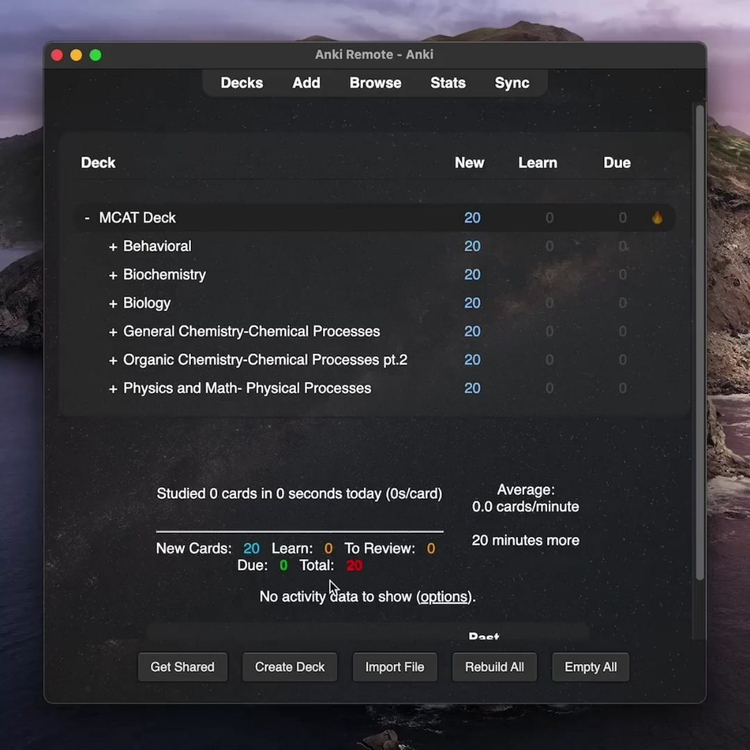
Open Anki and put the Anki .apkg file easy-access location (this will make it easier to drag and drop.
Step 2:
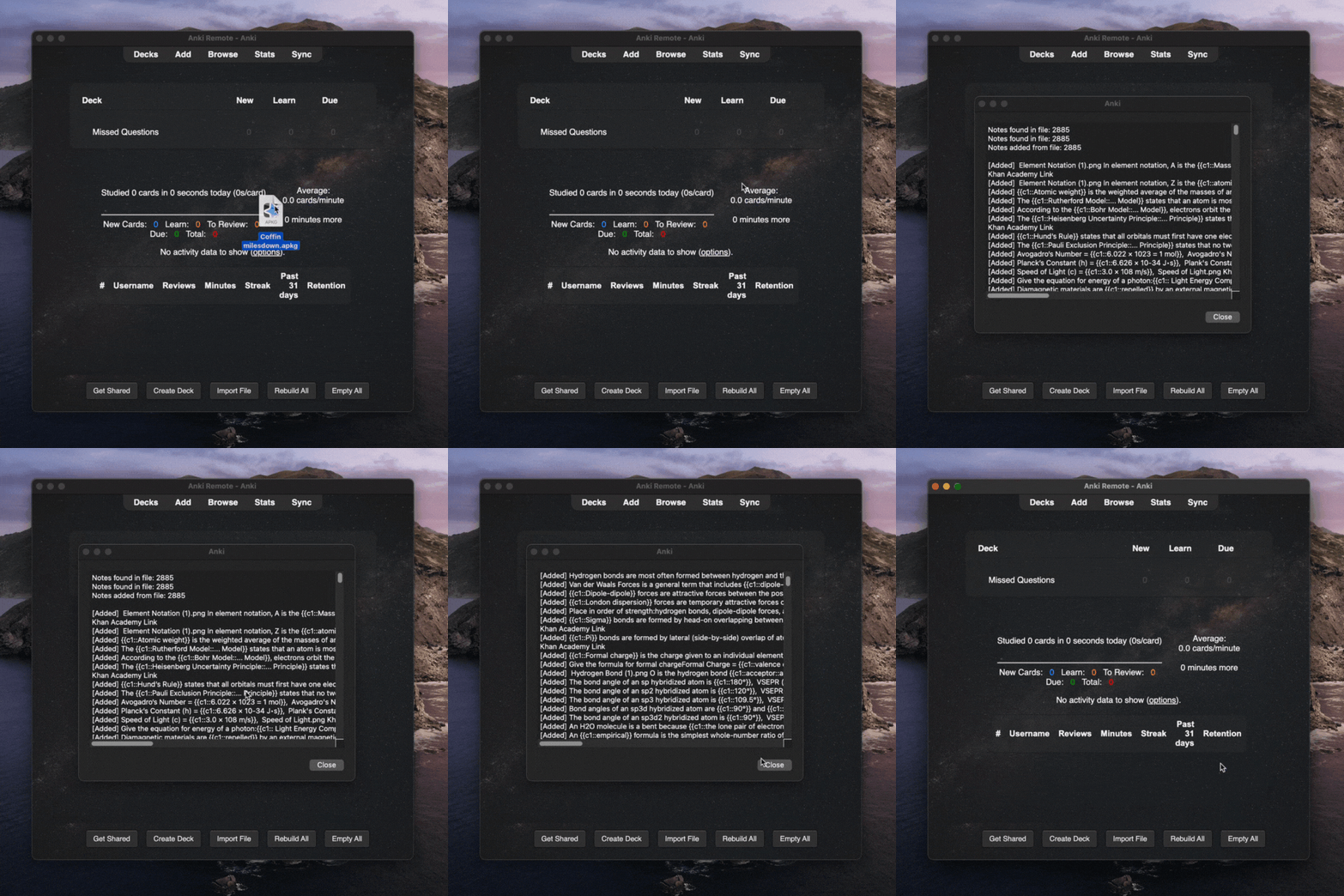
Drag and drop the .apkg file into Anki homepage. A window will prompt with a bunch of information regarding the deck, just click ‘Close’ to proceed.
Step 3:
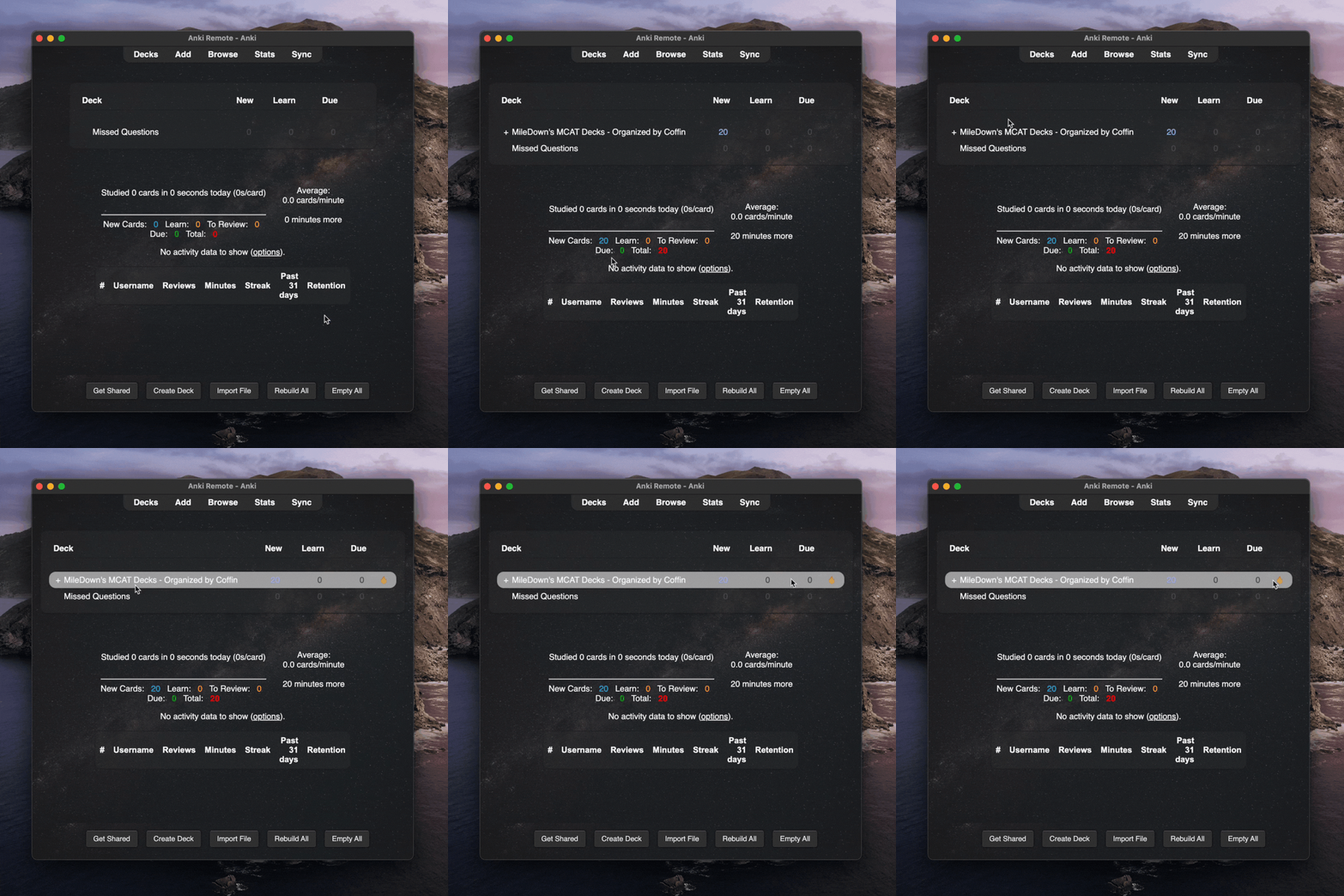
Once the upload is done, you'll see the deck on your homepage.
Optional Step:
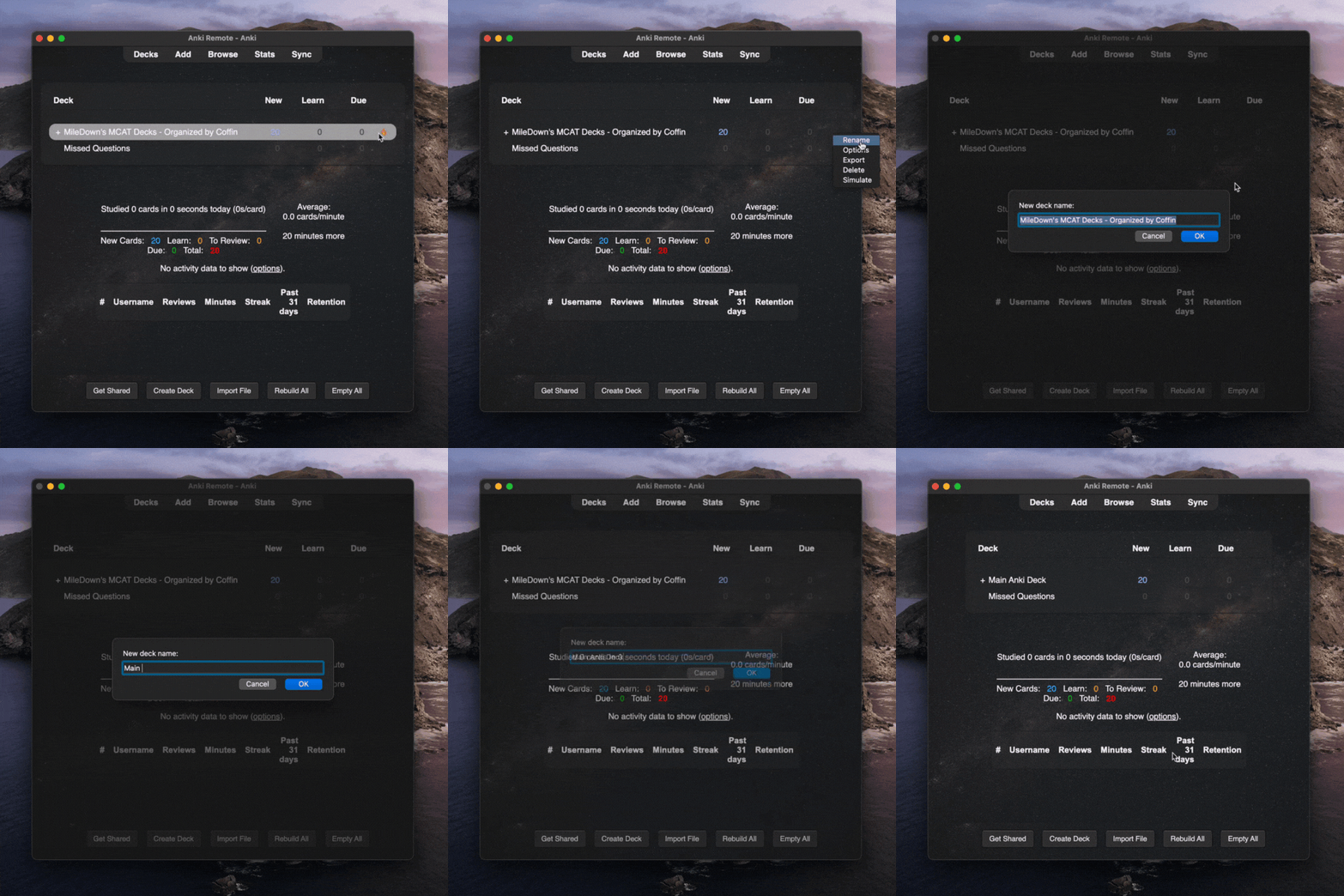
Click the icon in the right corner of your deck to rename the Anki deck.
Last Thing:
We recommend getting an Anki Remote if you plan to sticking to Anki. It makes Anki much faster and will let you relax a little while studying.
I love my anki remote, it makes my morning studying hours so easy and effective and I get studying done hours earlier than without it! I take it with me wherever I go and it's made my medical journey a lot easier :) Zayan Musa ⭐️⭐️⭐️⭐️⭐️
